C# Advent 2025 - St. Nicholas Goodies
December 6, 2025Tags: cs-advent
During .NET Conf 2025, I caught Andres Pineda’s presentation on creating modern CLI apps, and that got me thinking about how I could do that for C# Advent!
This post is part of C# Advent. The code from this post is in this st-nick-cs-advent-2025 repo.
The Feast of St. Nicholas
December 6 is one of my favorite days during this time of year. I grew up in a Roman Catholic house, and our grade school celebrated St. Nicholas Day. While I’m no longer a practicing Catholic, I still have the memories of the holiday. We used to leave our shoes in the halls and get little gifts. There was a story that Nicholas was a bishop known for gift giving - such as paying dowries for 3 sisters in a family and secret gifts to kids. He was also one for random acts of kindness.
So for our modern command line app, we’re going to help St. Nicholas manage a gifts list for kids.
The Terminal UI (TUI)
In Andres’ talk, we learned about Spectre.Console, Terminal.Gui, and RazorConsole. I went with Spectre.Console, as friends blogged about it and I had fun vibe coding with it.
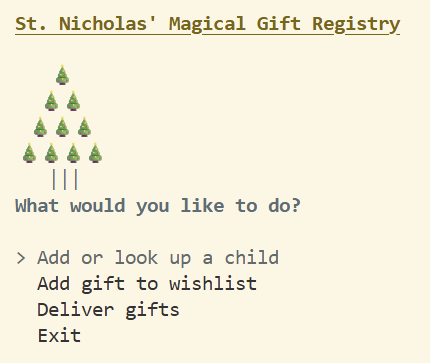
The TUI has options for:
- Add or look up a child
- Add gift to wishlist
- Deliver gifts
- Exit
Add or Look up a Child
For this feature of adding or looking up a child, you can add a child to the registry or look up their entry. If the child doesn’t exist, they get added to the registry with an empty wishlist.
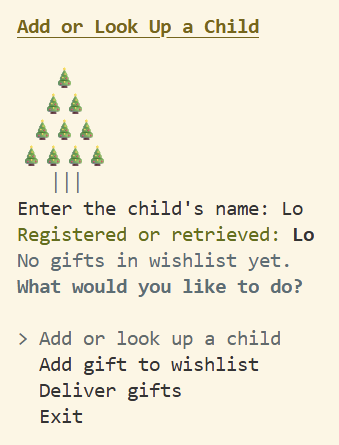
Our Child object makes use of the new field updates in C# 14, including using null checks without declaring an explicit backing field:
namespace StNicholasTUI;

public class Child
{
    // C# 14 - No need for an explicit backing field
    public required string Name
    {
        get;
        set => field = value.Trim();
    }

    public List<string> Wishlist
    {
        get => field ??= new();
        set => field = value ?? new();
    }
    public void AddToWishlist(string gift)
    {
        if (!Wishlist.Contains(gift)){
            Wishlist.Add(gift);
        }
    }
}
Add Gift to Wishlist
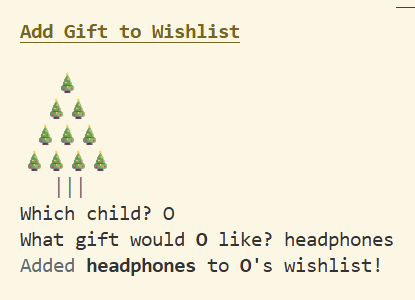
For this feature of adding a gift to a wishlist, you can add an item to a child’s wishlist. If the child doesn’t exist in the list, then the app will add the child and then add the item to their wishlist.
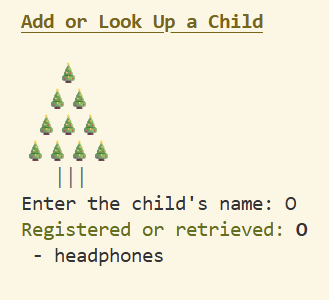
If you look up the child afterwards, you’ll get the child’s name and their wishlist.
Deliver Gifts
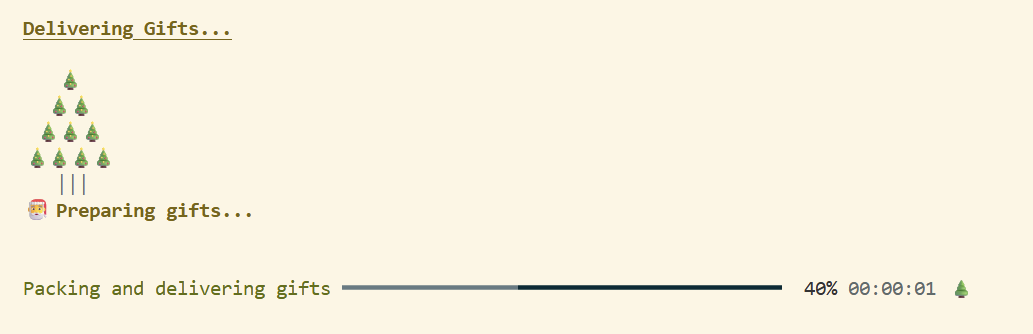
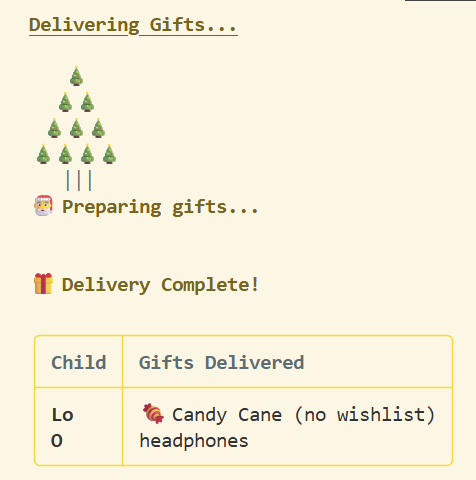
For delivering gifts, St. Nicholas will either deliver the wishlist or will give a child a candy cane if they don’t have anything on their wishlist.
The app has a progress bar:
It will also show which gifts got delivered:
Exit
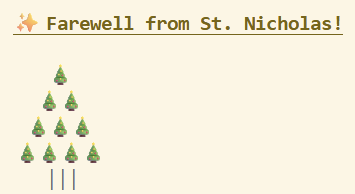
While exit does just that, I want to stress that a good user experience is to leave your users with pleasant feelings. So in this app, there is a message upon exit that St. Nicholas says farewell.
Conclusion
There are many features in the .NET 10 release and in C# 14. I suspect my friend Brendan will be updating his “Not Your Mother’s or Father’s C#” talk with some of them. I appreciate even the small things, and not having to create explicit backing fields is much appreciated!